
Watercolor Splash AI Art Generator
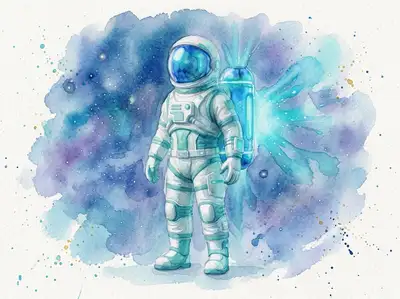
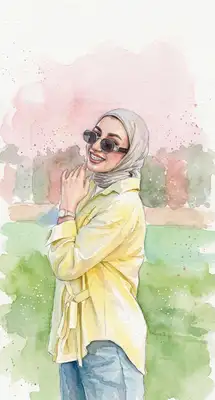
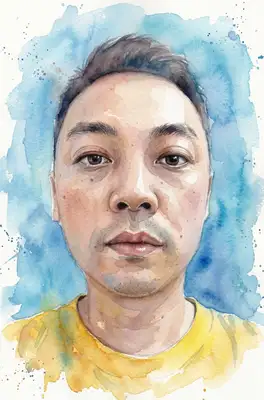
There's something about watercolor that digital art rarely captures — the way colors bleed into each other, the soft edges, the happy accidents that make each piece unique. Our AI gets it right. Upload your photo and get back a portrait that looks like it was painted on real watercolor paper, complete with natural pigment flows and delicate wash effects.
Drag and drop your image here, or click to browse

Examples
Photos transformed into fluid, expressive watercolor paintings
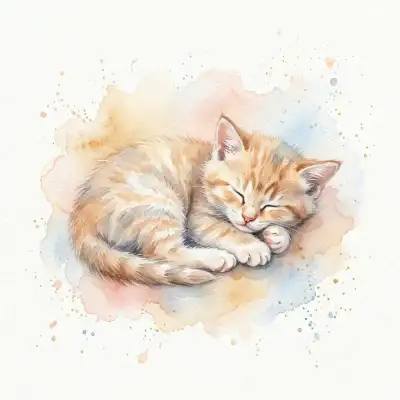
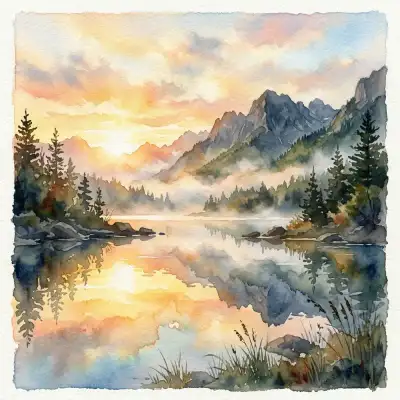
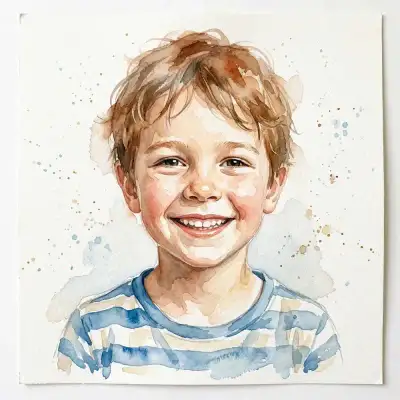
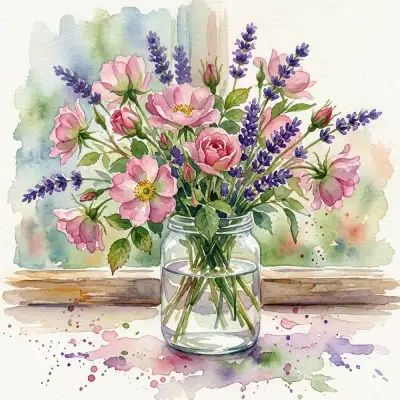
How to Make Photos in Watercolor Splash Style

Step 1
Upload Your Photo
Choose a photo with good lighting and clear features. Portraits, landscapes, and even still life shots all translate beautifully into watercolor.
Step 2
Wait 2-5 minutes
The AI simulates real watercolor techniques — wet-on-wet blending, controlled bleeds, pigment granulation, and soft edge diffusion. Your image gets broken down into luminous washes and delicate brushwork.

Step 3
Download or Print
Download your watercolor portrait in print-ready resolution. These look stunning framed on a wall, and you can also order professional prints directly from us.
Community Gallery
Explore Watercolor Splash artworks created by our users
Design studio
Custom Watercolor Splash t-shirt
Generate Watercolor Splash artwork as a chest print, preview it on a cotton tee, then order.
Design studio
Custom Watercolor Splash poster
Generate Watercolor Splash artwork as a vertical print, preview the sheet, then order wall art.
About Watercolor Splash AI Generator
Does it actually look like a real watercolor painting?
That's the whole point, and yes — it really does. The AI simulates how watercolor pigments interact with paper: soft bleeds where colors meet, visible paper texture underneath, granulation in darker areas, and those beautiful transparent washes that let light shine through. It's not just a Photoshop filter.
What types of photos work best?
Portraits with soft, natural lighting produce the most stunning results. But landscapes, flowers, pets, and architectural shots all work great too. The key is good contrast — the AI needs clear differences between light and dark areas to create those signature watercolor effects.
Can I print this at a large size?
Absolutely. The output resolution is high enough for prints up to poster size. Watercolor-style images actually look even better in print than on screen — the texture and detail really pop on quality paper. You can order prints directly through our store.
Try Other Styles
Explore more AI art styles to transform your images

Check out our blog
Discover tips, tutorials, and inspiration for your creative journey

How to Turn Your Real Face into a Custom D&D Character Portrait (For Your Next Tabletop Campaign)
Stop scrolling Pinterest for generic fantasy art. Learn how to transform your own selfie into a battle-hardened D&D character portrait and print it onto custom campaign merch.

How to Turn Any Photo into Printable Line Art & Coloring Pages (In Under 30 Seconds)
Looking for custom coloring pages or tattoo outlines? Learn how to turn any portrait, pet photo, or landscape into a clean black-and-white line drawing in your browser for free.