
Voxel Art AI Generator
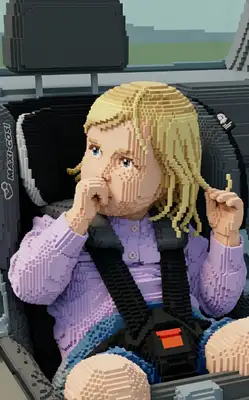
Think of it as 3D pixel art. Our AI transforms your photo into a colorful voxel character — tiny isometric blocks stacked and arranged to recreate your face with surprising precision. The result sits in a charming miniature scene with blocky furniture, tiny trees, and detailed environments that look like they belong in an indie game.
Drag and drop your image here, or click to browse

Examples
Real people rebuilt as charming isometric voxel characters
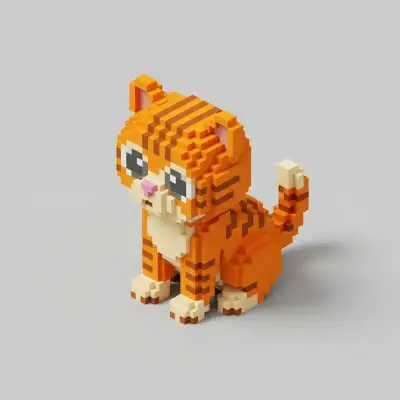
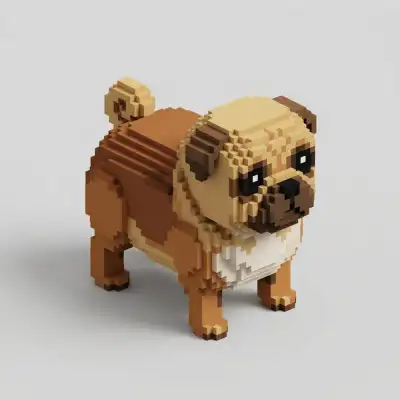
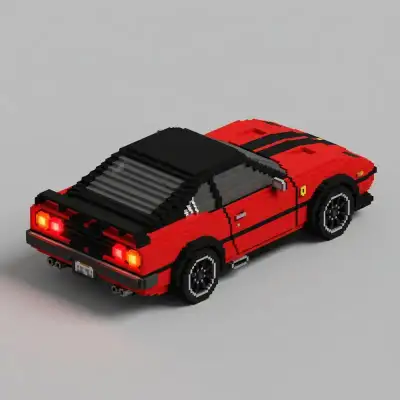
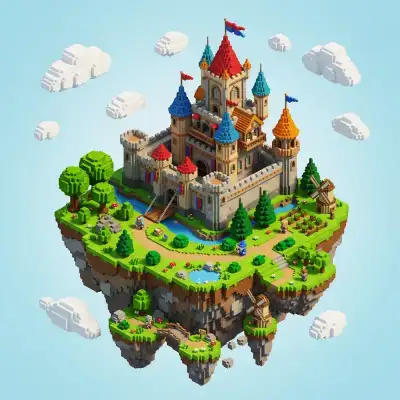
How to Make Photos in Voxel Art Style

Step 1
Upload Your Photo
Upload a clear portrait. The AI needs to see your features clearly to map them onto a tiny voxel grid — well-lit, front-facing photos work best.
Step 2
Wait 2-5 minutes
Your portrait is deconstructed and rebuilt using small 3D blocks arranged on an isometric grid. The AI preserves your hair color, skin tone, and facial structure while giving everything that charming, miniature-model quality.

Step 3
Download or Print
Download your voxel portrait in high resolution. The isometric style looks great as a profile picture, printed figurine reference, or quirky art print.
Community Gallery
Explore Voxel Art artworks created by our users
Design studio
Custom Voxel Art t-shirt
Generate Voxel Art artwork as a chest print, preview it on a cotton tee, then order.
Design studio
Custom Voxel Art poster
Generate Voxel Art artwork as a vertical print, preview the sheet, then order wall art.
About Voxel Art AI Generator
How is this different from Block Craft?
Block Craft creates Minecraft-style characters with larger, chunkier blocks in a sandbox world setting. Voxel Art uses smaller, more refined blocks on an isometric grid — the result is higher detail and looks more like a tiny 3D sculpture or indie game character. Think Block Craft = sandbox game, Voxel Art = artistic miniature.
Does it include a scene or just my portrait?
You get a full isometric scene! Your voxel character is placed in a miniature environment with tiny furniture, plants, buildings, or landscapes — all rendered in matching voxel style. It looks like a diorama built by a skilled miniature artist.
Can I use the design as a reference for 3D modeling?
Many people do exactly that. The isometric voxel portrait makes an excellent reference for building actual 3D voxel models in tools like MagicaVoxel or Blender. The color palette and proportions translate directly to real voxel modeling workflows.
Try Other Styles
Explore more AI art styles to transform your images


Check out our blog
Discover tips, tutorials, and inspiration for your creative journey

How to Turn Your Real Face into a Custom D&D Character Portrait (For Your Next Tabletop Campaign)
Stop scrolling Pinterest for generic fantasy art. Learn how to transform your own selfie into a battle-hardened D&D character portrait and print it onto custom campaign merch.

How to Turn Any Photo into Printable Line Art & Coloring Pages (In Under 30 Seconds)
Looking for custom coloring pages or tattoo outlines? Learn how to turn any portrait, pet photo, or landscape into a clean black-and-white line drawing in your browser for free.