
Retro Arcade Pixel Art Generator | 8-Bit & 16-Bit Style
Insert coin to continue. Our AI takes your photo back to the golden age of gaming — 8-bit pixel art sprites with limited color palettes, chunky pixels, and the nostalgic charm of quarter-fed arcade cabinets. Your face gets translated into a surprisingly recognizable pixel sprite that looks like it came straight from a 1986 arcade board.
Drag and drop your image here, or click to browse

Examples
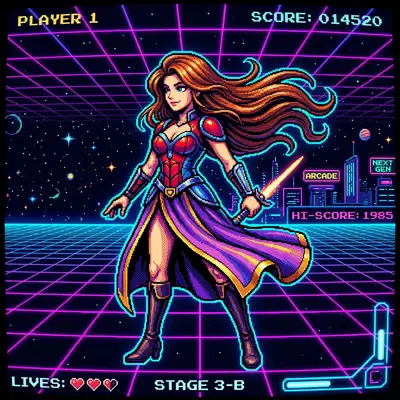
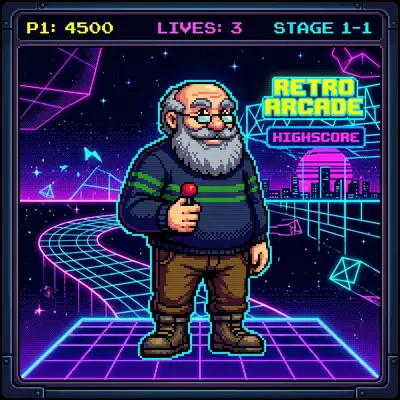
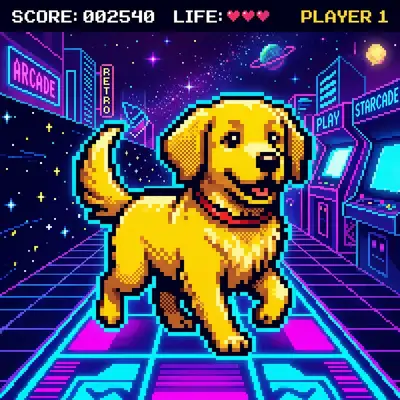
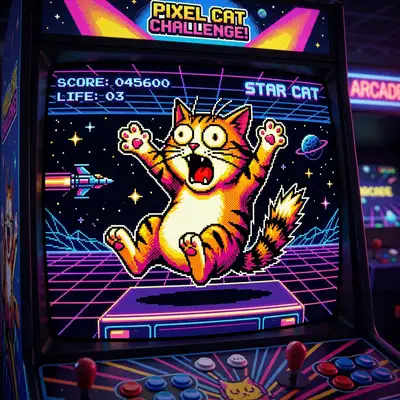
Real people pixelated into classic arcade-style sprites
How to Make Photos in Retro Arcade Style

Step 1
Upload Your Photo
Upload a clear portrait with good contrast. The AI needs distinct features to work with when translating your face into a limited pixel grid.
Step 2
Wait 2-5 minutes
Your photo is distilled into an 8-bit sprite with a carefully chosen limited color palette. The AI makes smart decisions about which pixels represent your most recognizable features — and the results are surprisingly accurate for such a constrained medium.

Step 3
Download or Print
Download your pixel art portrait and embrace the nostalgia. Use it as a retro gaming avatar, print it on a tee, or order a poster that celebrates the golden age of gaming.
Community Gallery
Explore Retro Arcade artworks created by our users
Design studio
Custom Retro Arcade t-shirt
Generate Retro Arcade artwork as a chest print, preview it on a cotton tee, then order.
Design studio
Custom Retro Arcade poster
Generate Retro Arcade artwork as a vertical print, preview the sheet, then order wall art.
About Retro Arcade AI Generator
How many pixels are used?
The AI creates a portrait at a resolution that captures your key features while maintaining that authentic retro feel — similar to character sprites from classic arcade games. The output image is then scaled up to a usable resolution while preserving the crisp, blocky pixel edges.
Can I choose the color palette?
The AI automatically selects a palette that best represents your photo within retro hardware constraints — think NES or arcade cabinet color limitations. Each generation picks slightly different palette combinations, so regenerating can give you a completely different retro look.
Does it work well for gifts?
It's a huge hit with anyone who grew up in the 80s or 90s, or anyone who loves retro gaming. Pixel art portraits printed on mugs, t-shirts, or canvas make instantly nostalgic gifts. Many people create matching pixel art family portraits for a fun, geeky holiday card.
Try Other Styles
Explore more AI art styles to transform your images

Check out our blog
Discover tips, tutorials, and inspiration for your creative journey

How to Turn Your Real Face into a Custom D&D Character Portrait (For Your Next Tabletop Campaign)
Stop scrolling Pinterest for generic fantasy art. Learn how to transform your own selfie into a battle-hardened D&D character portrait and print it onto custom campaign merch.

How to Turn Any Photo into Printable Line Art & Coloring Pages (In Under 30 Seconds)
Looking for custom coloring pages or tattoo outlines? Learn how to turn any portrait, pet photo, or landscape into a clean black-and-white line drawing in your browser for free.