
Andy Warhol Pop Art Generator | Turn Photos into Pop Art Prints
In the future, everyone will be world-famous for fifteen minutes. Make your fifteen minutes last forever with our retro Andy Warhol pop art generator.
Drag and drop your image here, or click to browse
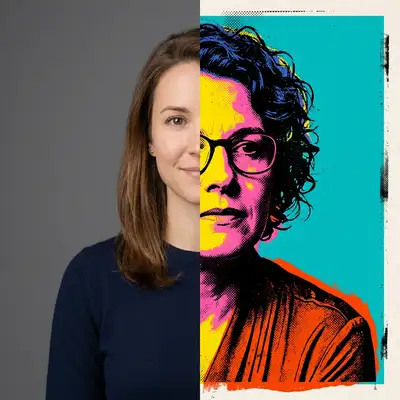
Examples
Step into our neon factory of retro, high-contrast silkscreen transformations.
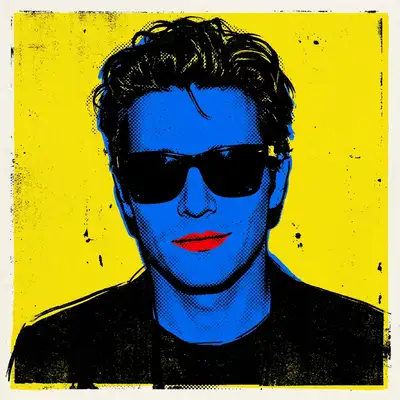
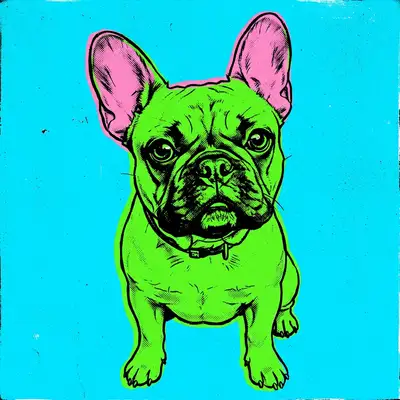
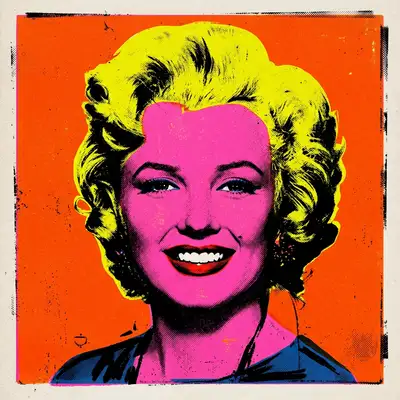
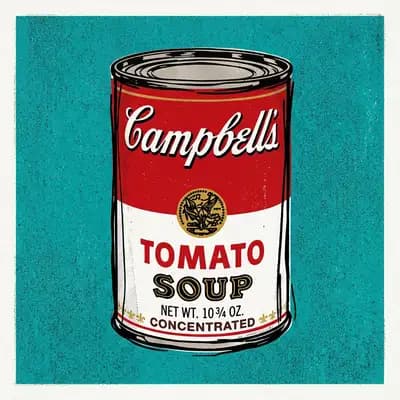
How to Make Photos in Pop Art (Andy Warhol) Style
Step 1
Upload Your Photo
Select your icon. Upload a clear, high-contrast selfie—classic sunglasses or a bold expression make for a legendary print.
Step 2
Wait 2-5 minutes
Apply the ink. The AI posterizes your features, applies bold block neon colors, and injects vintage silkscreen textures.
Step 3
Download or Print
Hang in the gallery. Save your pop art avatar or order a multi-paneled canvas print to brighten your living space.
Community Gallery
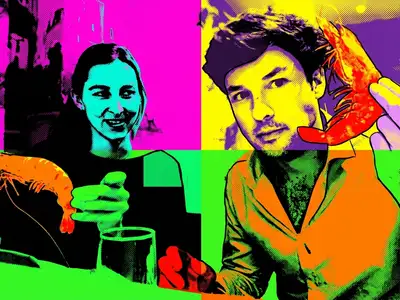
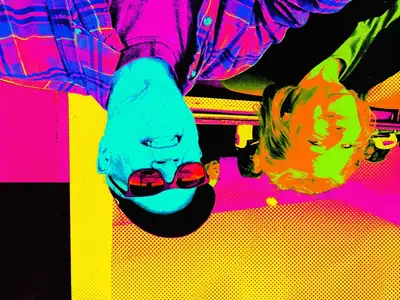
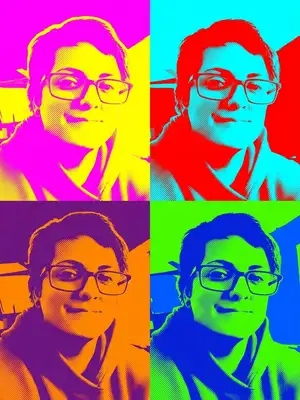
Explore Pop Art (Andy Warhol) artworks created by our users
Design studio
Custom Pop Art (Andy Warhol) t-shirt
Generate Pop Art (Andy Warhol) artwork as a chest print, preview it on a cotton tee, then order.
Design studio
Custom Pop Art (Andy Warhol) poster
Generate Pop Art (Andy Warhol) artwork as a vertical print, preview the sheet, then order wall art.
About Pop Art (Andy Warhol) AI Generator
What is the Pop Art AI style?
Inspired by Andy Warhol's famous silkscreen portraits of celebrities in the 1960s, this style features high-contrast lines, saturated neon color blocks, and a retro halftone print texture.
How does it handle photo colors?
It completely replaces natural photo tones with a stylized, artistic palette (like bright blue skin, yellow hair, and pink backgrounds) to capture the authentic 60s print look.
Can I generate pop art for FREE?
Yes, you can! Upon logging in, we grant you 1 FREE credit to convert any picture into an iconic pop art screenprint. Experience your Warhol moment on us.
Can I get a multi-panel print?
While each generation creates one bold colorway, you can download multiple generations and arrange them in a grid, or order custom canvas prints through our store.
What photos work best for pop art?
Portraits with strong highlights and shadows, or those with clear facial profiles, make for the most striking silkscreen results.
Are the files high resolution?
Yes! All generations are created at high-resolution print quality, making them perfect for large posters and canvas wall art.
Try Other Styles
Explore more AI art styles to transform your images

Check out our blog
Discover tips, tutorials, and inspiration for your creative journey

How to Turn Your Real Face into a Custom D&D Character Portrait (For Your Next Tabletop Campaign)
Stop scrolling Pinterest for generic fantasy art. Learn how to transform your own selfie into a battle-hardened D&D character portrait and print it onto custom campaign merch.

How to Turn Any Photo into Printable Line Art & Coloring Pages (In Under 30 Seconds)
Looking for custom coloring pages or tattoo outlines? Learn how to turn any portrait, pet photo, or landscape into a clean black-and-white line drawing in your browser for free.