
3D Paper Cutout AI Art Generator | Turn Photos into Shadowbox Art
Crafted with care. Turn your photos into breathtaking, multi-layered 3D papercut shadowboxes with soft cardstock textures and delicate pastel colors.
Drag and drop your image here, or click to browse

Examples
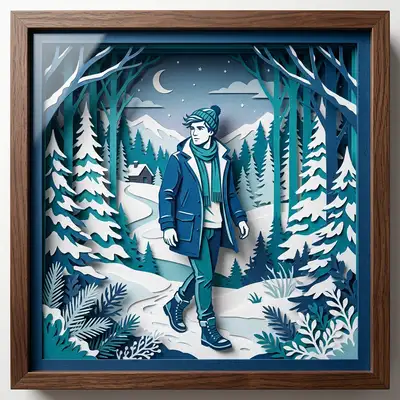
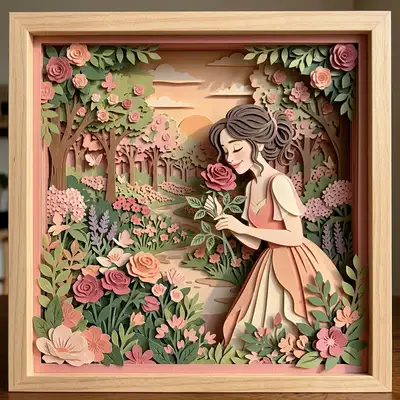
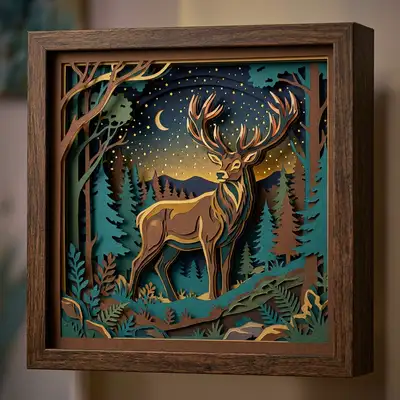
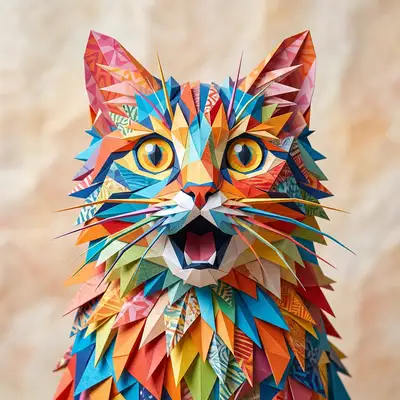
Admire these delicate, multi-layered cardstock shadowbox creations brought to life by our AI.
How to Make Photos in Paper Cutout Style
Step 1
Upload Your Photo
Prepare the cardstock. Upload a clear portrait with good contrast between the subject and background.
Step 2
Wait 2-5 minutes
Stack the layers. Our AI cuts virtual sheets of paper, textures them, and stacks them with soft, realistic shadow depth.
Step 3
Download or Print
Frame the masterpiece. Save your high-resolution digital shadowbox or order it printed on gallery-wrapped canvas.
Community Gallery
Explore Paper Cutout artworks created by our users
Design studio
Custom Paper Cutout t-shirt
Generate Paper Cutout artwork as a chest print, preview it on a cotton tee, then order.
Design studio
Custom Paper Cutout poster
Generate Paper Cutout artwork as a vertical print, preview the sheet, then order wall art.
About Paper Cutout AI Generator
What is the Paper Cutout AI generator?
It's an artistic styling tool that transforms your photos into the look of a physical, multi-layered shadowbox made from hand-cut colored sheets of paper.
Can I generate papercut art for FREE?
Yes! We give every new user 1 FREE credit upon logging in, so you can see your portrait transformed into a gorgeous 3D paper cutout design without any cost.
Does the art have realistic paper textures?
Yes! The AI simulates the organic grain of fine cardstock paper, along with soft depth drops shadows between the overlapping layers, to create a highly convincing 3D look.
What subjects work best for this style?
It works beautifully for solo portraits, couple shots, and even animal or landscape photos. The layered depth adds a magical touch to any image.
Can I print this on physical canvas?
Absolutely! The soft shadow depth and pastel tones of the Paper Cutout style look stunning on high-quality wrapped canvas prints available in our shop.
How many layers are typically generated?
The AI typically designs between 5 to 8 distinct visual depth layers, creating a rich and detailed shadowbox composition.
Try Other Styles
Explore more AI art styles to transform your images

Check out our blog
Discover tips, tutorials, and inspiration for your creative journey

How to Turn Your Real Face into a Custom D&D Character Portrait (For Your Next Tabletop Campaign)
Stop scrolling Pinterest for generic fantasy art. Learn how to transform your own selfie into a battle-hardened D&D character portrait and print it onto custom campaign merch.

How to Turn Any Photo into Printable Line Art & Coloring Pages (In Under 30 Seconds)
Looking for custom coloring pages or tattoo outlines? Learn how to turn any portrait, pet photo, or landscape into a clean black-and-white line drawing in your browser for free.