
Grand Auto AI Art Generator | GTA Style Portrait
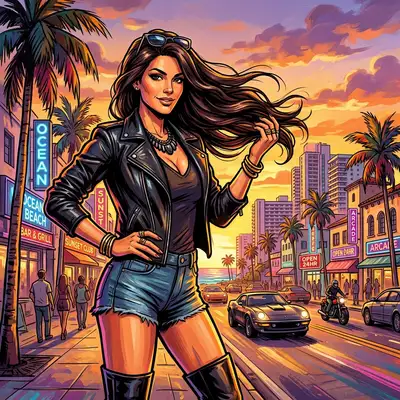
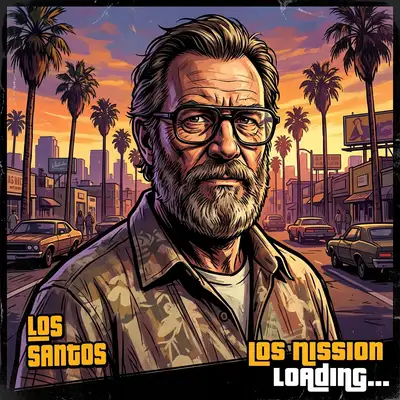
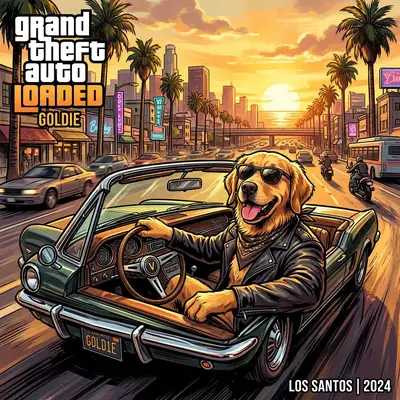
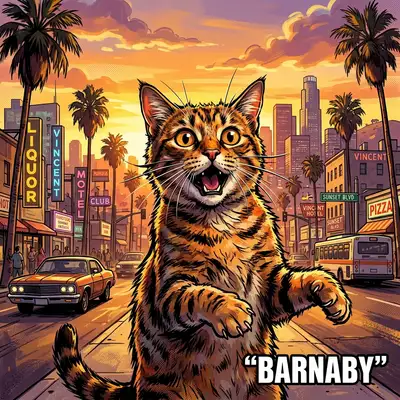
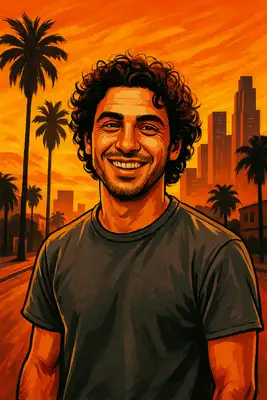
Welcome to the loading screen. Our AI transforms your photo into the iconic art style you'd see between missions — bold graphic outlines, sun-drenched golden hour lighting, and that unmistakable urban attitude. Whether you're going for crime boss or beach cruiser, the AI nails the cinematic, slightly satirical aesthetic that made the series an icon of pop culture.
Drag and drop your image here, or click to browse

Examples
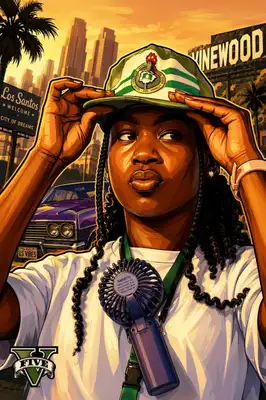
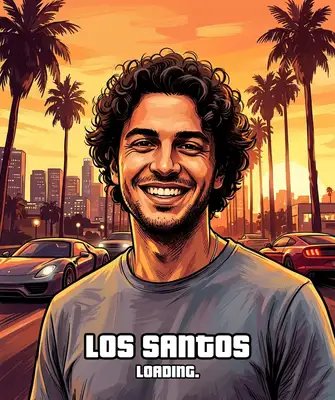
Real people rendered in iconic open-world loading screen art
How to Make Photos in Grand Auto Style

Step 1
Upload Your Photo
Upload a clear portrait. Sunglasses, attitude, and a hint of mischief in your expression will take the result to the next level — but any photo works.
Step 2
Wait 2-5 minutes
The AI applies bold graphic outlines, warm golden-hour color grading, and the slightly stylized realism that defines the series' legendary cover art. Your background shifts to palm-lined streets, muscle cars, or skyline vistas.
Step 3
Download or Print
Download your loading screen portrait in high resolution. Frame it, print it on a tee, or use it as the ultimate gaming profile picture.
Community Gallery
Explore Grand Auto artworks created by our users
Design studio
Custom Grand Auto t-shirt
Generate Grand Auto artwork as a chest print, preview it on a cotton tee, then order.
Design studio
Custom Grand Auto poster
Generate Grand Auto artwork as a vertical print, preview the sheet, then order wall art.
About Grand Auto AI Generator
How close is it to the actual game art style?
Very close. The AI replicates the signature look — thick dark outlines on a painterly base, saturated warm tones, cinematic composition, and that slightly caricatured realism where everyone looks 10% cooler than in real life. People consistently say the results look like official artwork.
What backgrounds does it generate?
Think sun-soaked urban environments — palm tree-lined boulevards, beachfront boardwalks, downtown skylines at golden hour, or muscle cars parked on dusty hillsides. The AI matches the background to the mood of your photo and the overall aesthetic.
Can I use this as my actual game avatar?
While the output is a 2D art piece (not a 3D character model), it's perfect as a gaming profile picture, crew emblem reference, or social media avatar. Many players use their portrait as their console profile picture — it's the next best thing to being in the game.
Try Other Styles
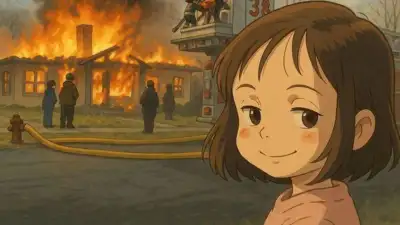
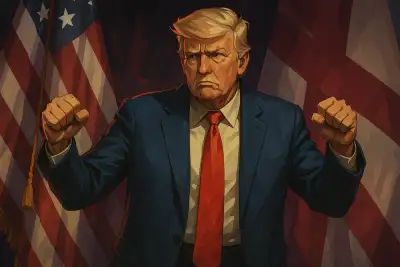
Explore more AI art styles to transform your images

Check out our blog
Discover tips, tutorials, and inspiration for your creative journey

How to Turn Your Real Face into a Custom D&D Character Portrait (For Your Next Tabletop Campaign)
Stop scrolling Pinterest for generic fantasy art. Learn how to transform your own selfie into a battle-hardened D&D character portrait and print it onto custom campaign merch.

How to Turn Any Photo into Printable Line Art & Coloring Pages (In Under 30 Seconds)
Looking for custom coloring pages or tattoo outlines? Learn how to turn any portrait, pet photo, or landscape into a clean black-and-white line drawing in your browser for free.