
Gothic Noir AI Art Generator | Wednesday Style Dark Art
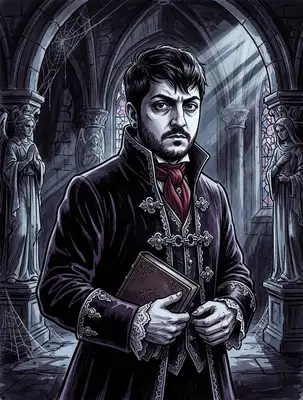
Embrace the darkness. Our Gothic Noir style transforms your photo into a hauntingly beautiful portrait — think candlelit Victorian parlors, dramatic shadows, and an atmosphere dripping with dark elegance. The AI renders your features with deep contrast, rich textures, and the kind of moody sophistication that would make Edgar Allan Poe jealous.
Drag and drop your image here, or click to browse

Examples
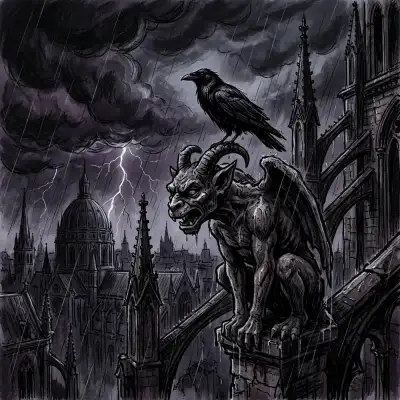
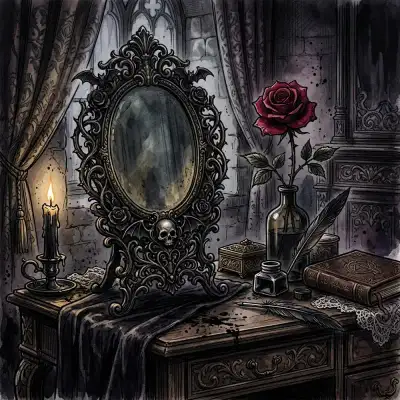
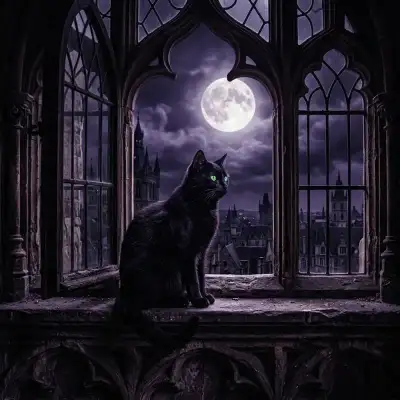
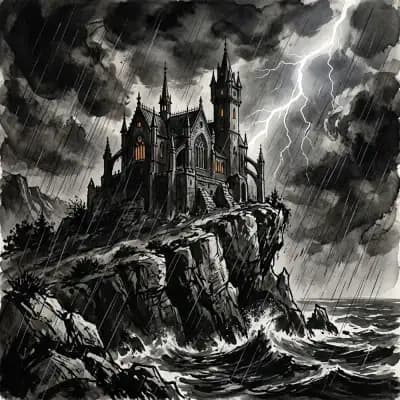
Ordinary photos transformed into dramatic gothic masterpieces
How to Make Photos in Gothic Noir Style

Step 1
Upload Your Photo
Upload any portrait — the AI handles everything from selfies to formal photos. Dark clothing and dramatic expressions amplify the gothic vibe, but any photo works.
Step 2
Wait 2-5 minutes
The AI wraps your portrait in deep shadows, adds Victorian-era textures, and applies dramatic chiaroscuro lighting. Think candlelit rooms, ornate dark frames, and an atmosphere of elegant mystery.

Step 3
Download or Print
Download your gothic portrait in high resolution. It looks hauntingly beautiful as a framed print, phone wallpaper, or printed on dark merchandise.
Community Gallery
Explore Gothic Noir artworks created by our users
Design studio
Custom Gothic Noir t-shirt
Generate Gothic Noir artwork as a chest print, preview it on a cotton tee, then order.
Design studio
Custom Gothic Noir poster
Generate Gothic Noir artwork as a vertical print, preview the sheet, then order wall art.
About Gothic Noir AI Generator
How dark is the gothic noir style?
It's elegantly dark rather than horror-dark. Think Victorian-era portraiture meets film noir — deep shadows, rich burgundy and midnight blue tones, candlelight highlights, and ornate decorative elements. The mood is mysterious and sophisticated, not scary.
Does it work for lighter-skinned and darker-skinned people equally?
Yes. The AI adapts its lighting and contrast based on your skin tone to ensure the portrait looks dramatic and flattering regardless of complexion. The gothic aesthetic enhances everyone's features with moody, dimensional lighting.
What kind of backgrounds does it generate?
Expect atmospheric environments like dimly lit libraries, fog-covered gardens, candlelit stone corridors, or ornate Victorian interiors. The background is automatically generated to complement the gothic mood of your portrait.
Try Other Styles
Explore more AI art styles to transform your images

Check out our blog
Discover tips, tutorials, and inspiration for your creative journey

How to Turn Your Real Face into a Custom D&D Character Portrait (For Your Next Tabletop Campaign)
Stop scrolling Pinterest for generic fantasy art. Learn how to transform your own selfie into a battle-hardened D&D character portrait and print it onto custom campaign merch.

How to Turn Any Photo into Printable Line Art & Coloring Pages (In Under 30 Seconds)
Looking for custom coloring pages or tattoo outlines? Learn how to turn any portrait, pet photo, or landscape into a clean black-and-white line drawing in your browser for free.