
Gothic AI Art Generator | Turn Yourself into a Spooky Addams Family Character
No color? No problem. Upload your photo and watch our AI turn you into a delightfully macabre, pale-skinned, black-attired member of a spooky gothic family.
Drag and drop your image here, or click to browse

Examples
Step inside the gloomy gallery of our newly transformed gothic cousins.
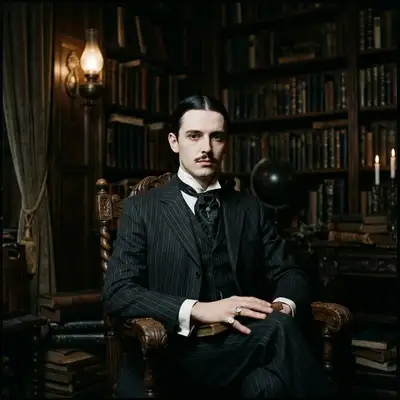
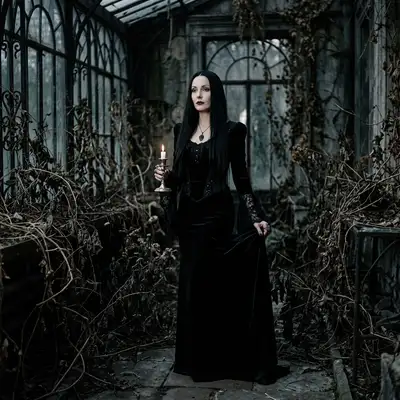
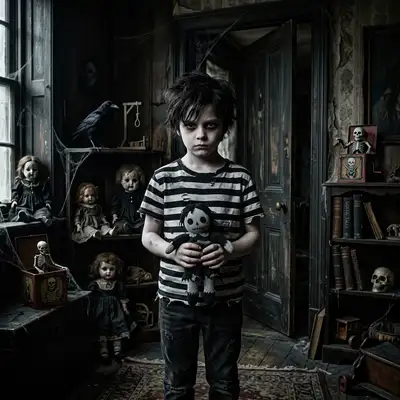
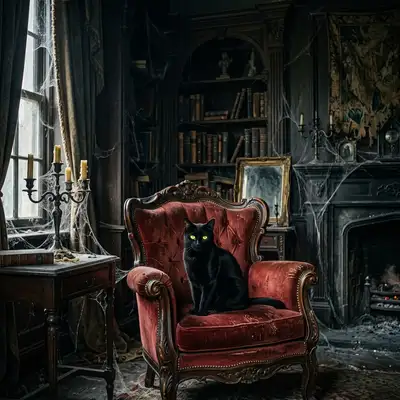
How to Make Photos in Gothic Family Style

Step 1
Upload Your Photo
Join the family tree. Upload a selfie (smirking or deadpan expressions work beautifully).
Step 2
Wait 2-5 minutes
Call in the shadows. The AI washes away bright colors, adds pale gothic tones, and outfits you in dark Victorian attire.

Step 3
Download or Print
Unveil the portrait. Download your spooky new avatar or order a framed poster for your gothic salon.
Community Gallery
Explore Gothic Family artworks created by our users
Design studio
Custom Gothic Family t-shirt
Generate Gothic Family artwork as a chest print, preview it on a cotton tee, then order.
Design studio
Custom Gothic Family poster
Generate Gothic Family artwork as a vertical print, preview the sheet, then order wall art.
About Gothic Family AI Generator
What is the Gothic Family style?
It is a dark, macabre style inspired by classic Victorian horror and the gothic comedy of the Addams Family, featuring high-contrast shadows, pale skin, and eerie backdrops.
Should I smile for the photo?
While a smile can be creepily effective (like Wednesday's rare smirk), a flat deadpan gaze or a mysterious half-smile works incredibly well!
Can I print this on a t-shirt?
Absolutely! The high-contrast dark tones of the Gothic style look exceptionally striking when printed on black hoodies and t-shirts in our store.
Try Other Styles
Explore more AI art styles to transform your images

Check out our blog
Discover tips, tutorials, and inspiration for your creative journey

How to Turn Your Real Face into a Custom D&D Character Portrait (For Your Next Tabletop Campaign)
Stop scrolling Pinterest for generic fantasy art. Learn how to transform your own selfie into a battle-hardened D&D character portrait and print it onto custom campaign merch.

How to Turn Any Photo into Printable Line Art & Coloring Pages (In Under 30 Seconds)
Looking for custom coloring pages or tattoo outlines? Learn how to turn any portrait, pet photo, or landscape into a clean black-and-white line drawing in your browser for free.