
Block Craft Voxel Art Generator | Minecraft Style Pixel Block Avatar
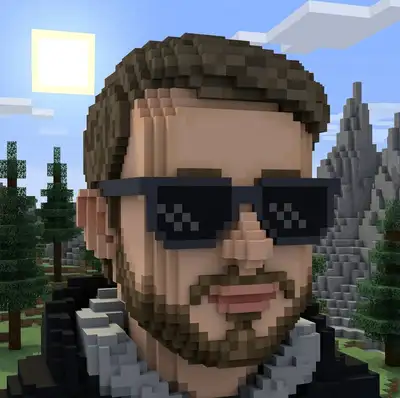
Ever wanted to see yourself as a blocky character in a pixelated sandbox world? Our AI transforms your photo into a charming voxel character with cubic proportions, colorful block textures, and that unmistakable Minecraft-style blocky aesthetic millions of gamers love. Your facial features get translated into cleverly arranged pixel blocks that look just like you.
Drag and drop your image here, or click to browse

Examples
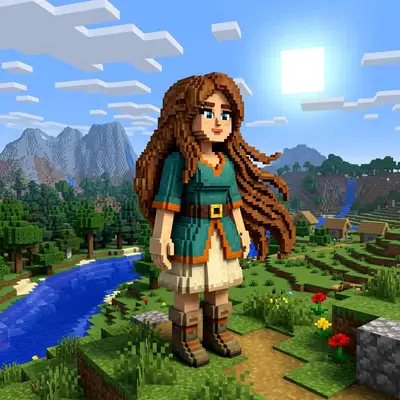
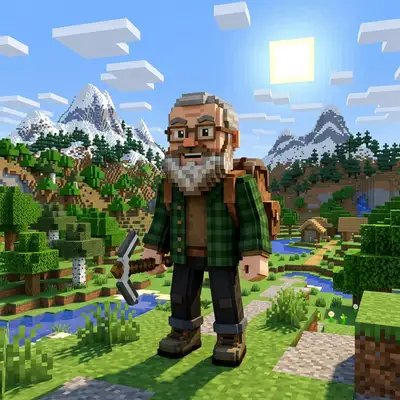
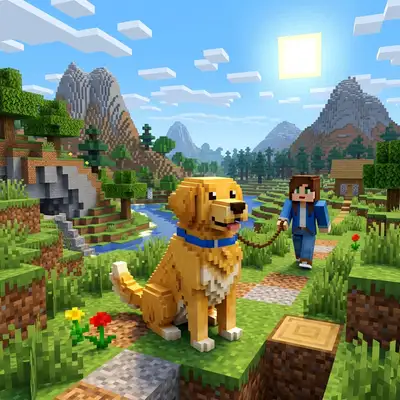
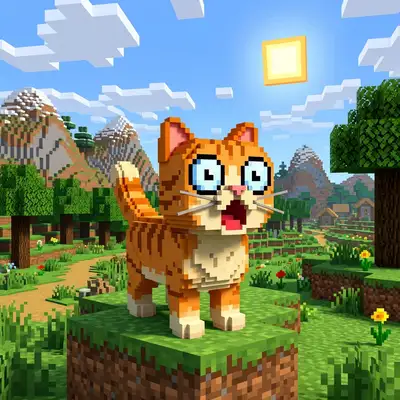
Real faces rebuilt block-by-block into voxel characters
How to Make Photos in Block Craft Style

Step 1
Upload Your Photo
Upload a clear portrait or selfie. The AI analyzes your features — skin tone, hair color, eye shape — and figures out the best way to represent them with cubic blocks.
Step 2
Wait 2-5 minutes
Your face gets reconstructed using 3D voxel blocks. The AI is surprisingly good at capturing recognizable features within the constraints of a blocky grid — it's like a pixel sculptor working in miniature.
Step 3
Download or Print
Download your voxel character portrait or order it on merch. These make awesome gaming profile pictures and hilarious personalized gifts for fellow sandbox game fans.
Community Gallery
Explore Block Craft artworks created by our users
Design studio
Custom Block Craft t-shirt
Generate Block Craft artwork as a chest print, preview it on a cotton tee, then order.
Design studio
Custom Block Craft poster
Generate Block Craft artwork as a vertical print, preview the sheet, then order wall art.
About Block Craft AI Generator
Will it actually look like me, even in block form?
That's the magic of it — yes. The AI maps your key features (eye color, hair, skin tone, facial structure) onto a voxel grid with surprising accuracy. People consistently recognize themselves and their friends in the blocky results. It's like a caricature, but in pixel form.
What kind of background does it generate?
You'll get a block-built environment that matches the voxel aesthetic — think grassy blocks, pixelated trees, cloudy skies, and maybe a blocky house or two in the background. The whole scene looks like a screenshot from a sandbox world.
Can I use this as my in-game skin or avatar?
While the output is a 2D image (not a 3D model file), it's perfect for gaming profile pictures, Discord avatars, and Steam profile art. Many players use it as a reference image when building custom skins for their favorite sandbox games.
Try Other Styles
Explore more AI art styles to transform your images

Check out our blog
Discover tips, tutorials, and inspiration for your creative journey

How to Turn Your Real Face into a Custom D&D Character Portrait (For Your Next Tabletop Campaign)
Stop scrolling Pinterest for generic fantasy art. Learn how to transform your own selfie into a battle-hardened D&D character portrait and print it onto custom campaign merch.

How to Turn Any Photo into Printable Line Art & Coloring Pages (In Under 30 Seconds)
Looking for custom coloring pages or tattoo outlines? Learn how to turn any portrait, pet photo, or landscape into a clean black-and-white line drawing in your browser for free.