
AI Baby Face Generator
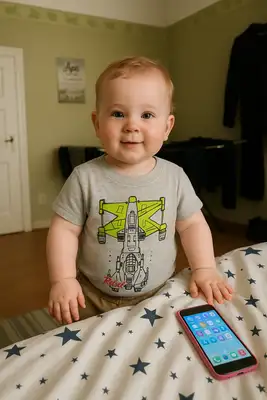
Ever wondered what you looked like as a baby? Or what your future little one might look like? Our AI baby filter takes any adult photo and creates an incredibly realistic baby version — chubby cheeks, tiny nose, big curious eyes, and all the cuteness you can handle. It's one of our most-shared styles for a reason.
Drag and drop your image here, or click to browse

Examples
Real adults transformed into adorable baby versions of themselves
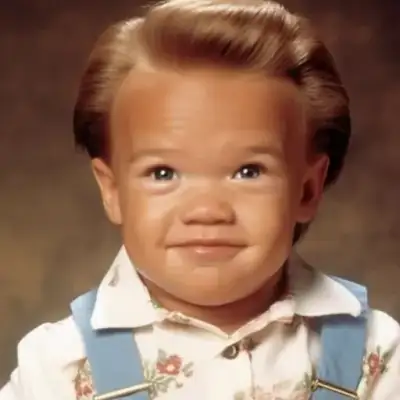
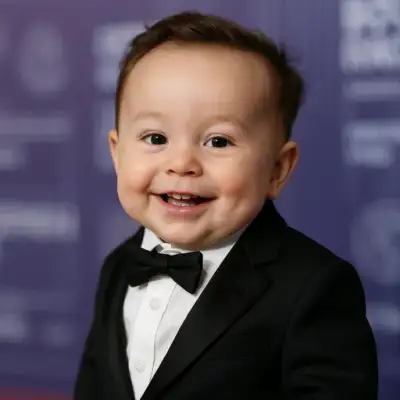

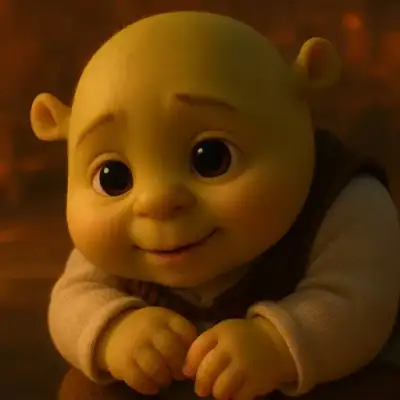
How to Make Photos in Baby Filter Style

Step 1
Upload Your Photo
Upload a clear face photo of yourself, your partner, or anyone you're curious about. The AI reads your bone structure, eye shape, and features to imagine what you'd look like as a baby.
Step 2
Wait 2-5 minutes
The AI de-ages your face while keeping your most recognizable features intact — your eye color, nose shape, and even your expression get miniaturized into an adorable infant version.
Step 3
Download or Print
Download and share the cuteness! Baby filter results are perfect for social media, baby shower invitations, or just sending to your friends for a good laugh.
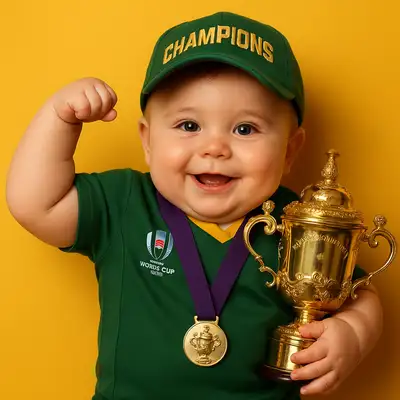
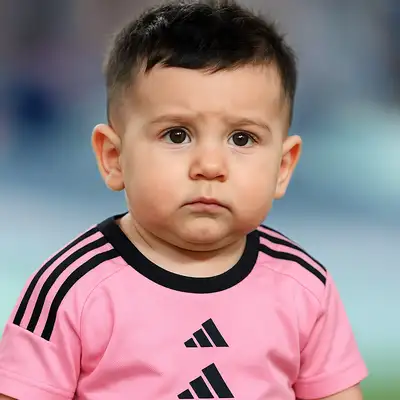
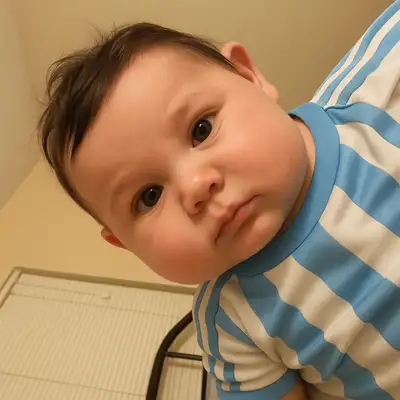
Community Gallery
Explore Baby Filter artworks created by our users
Design studio
Custom Baby Filter t-shirt
Generate Baby Filter artwork as a chest print, preview it on a cotton tee, then order.
Design studio
Custom Baby Filter poster
Generate Baby Filter artwork as a vertical print, preview the sheet, then order wall art.
About Baby Filter AI Generator
How realistic does it look?
Very. The AI doesn't just shrink your face — it actually restructures proportions to match real infant anatomy. Bigger forehead, rounder cheeks, wider eyes. Most people show the result to friends and family and get genuine reactions like 'oh my god, is that really you as a baby?'
Can I use it to see what my future baby might look like?
While we can't guarantee genetic accuracy, many couples upload both their photos to get a fun preview of what a combination of their features might look like on a baby face. It's become a popular baby shower activity!
Does it work with pet photos?
The baby filter is optimized for human faces, so pet photos won't produce great results. But check out our other styles — several of them work beautifully with animals and give equally adorable results.
Try Other Styles
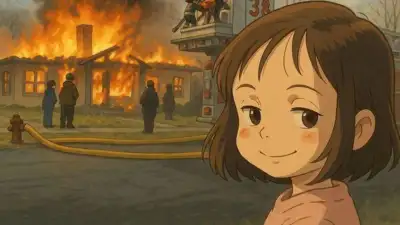
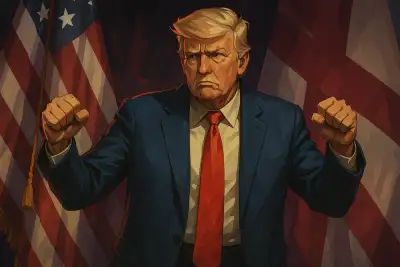
Explore more AI art styles to transform your images

Check out our blog
Discover tips, tutorials, and inspiration for your creative journey

How to Turn Your Real Face into a Custom D&D Character Portrait (For Your Next Tabletop Campaign)
Stop scrolling Pinterest for generic fantasy art. Learn how to transform your own selfie into a battle-hardened D&D character portrait and print it onto custom campaign merch.

How to Turn Any Photo into Printable Line Art & Coloring Pages (In Under 30 Seconds)
Looking for custom coloring pages or tattoo outlines? Learn how to turn any portrait, pet photo, or landscape into a clean black-and-white line drawing in your browser for free.