
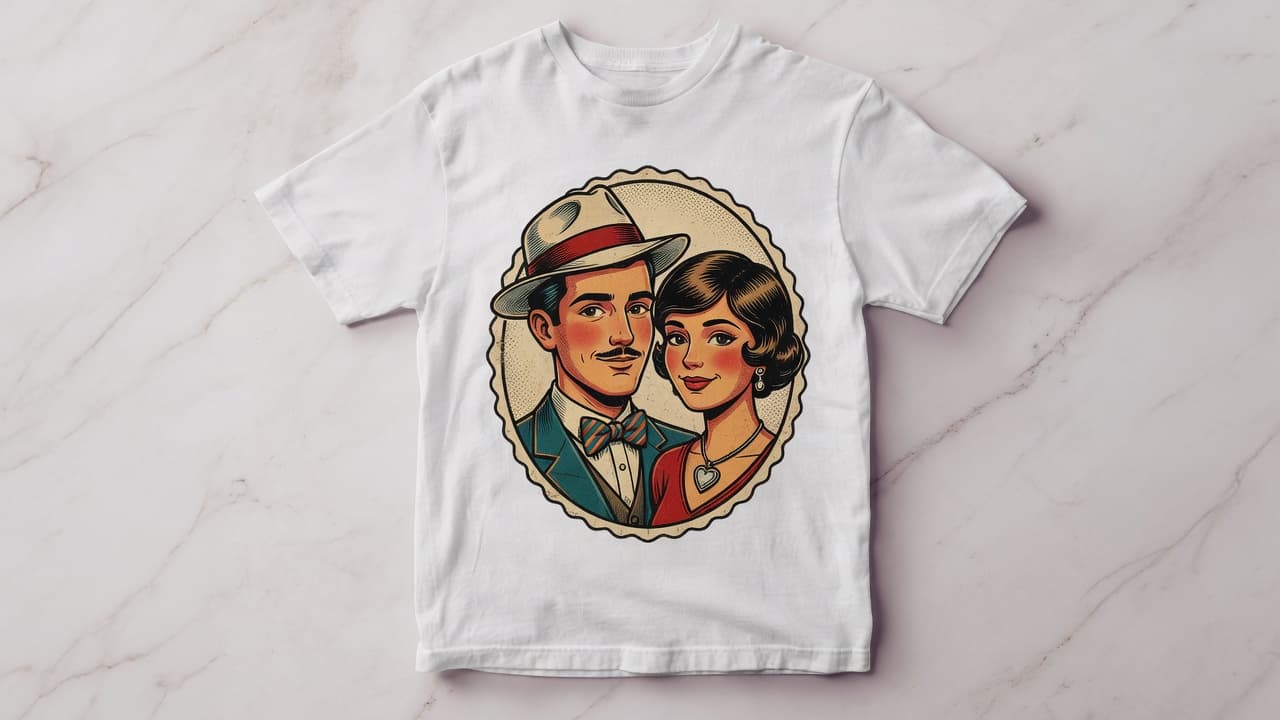
You do not need design software. You need a photo, credits, and a product-aware generator.
1. Open the t-shirt studio
Go to Create → Custom T-Shirt. This route loads a live shirt mockup instead of a blank canvas.
2. Upload a photo and pick a style
Use a sharp portrait or pet photo. Scroll the style rail until the look matches the gift. Add optional notes or a short line of text.
3. Generate with credits
Sign in and spend the standard generation cost. The job uses the same Artomize API as style pages, with extra instructions so the art fits a chest print.
4. Preview the mockup and order
When the image appears on the shirt, choose color and size, then continue into the existing t-shirt checkout.
If the first result is close but not right, change the extra direction and generate again. Do not keep a weak graphic just because you already spent credits — the shirt will exist for years.
Open the t-shirt studioFAQ
How long does generation take?
Usually a few minutes. The mockup updates when the job completes.
Can I skip the mockup and download only?
Yes. Open the full generation page from the studio after the run.