
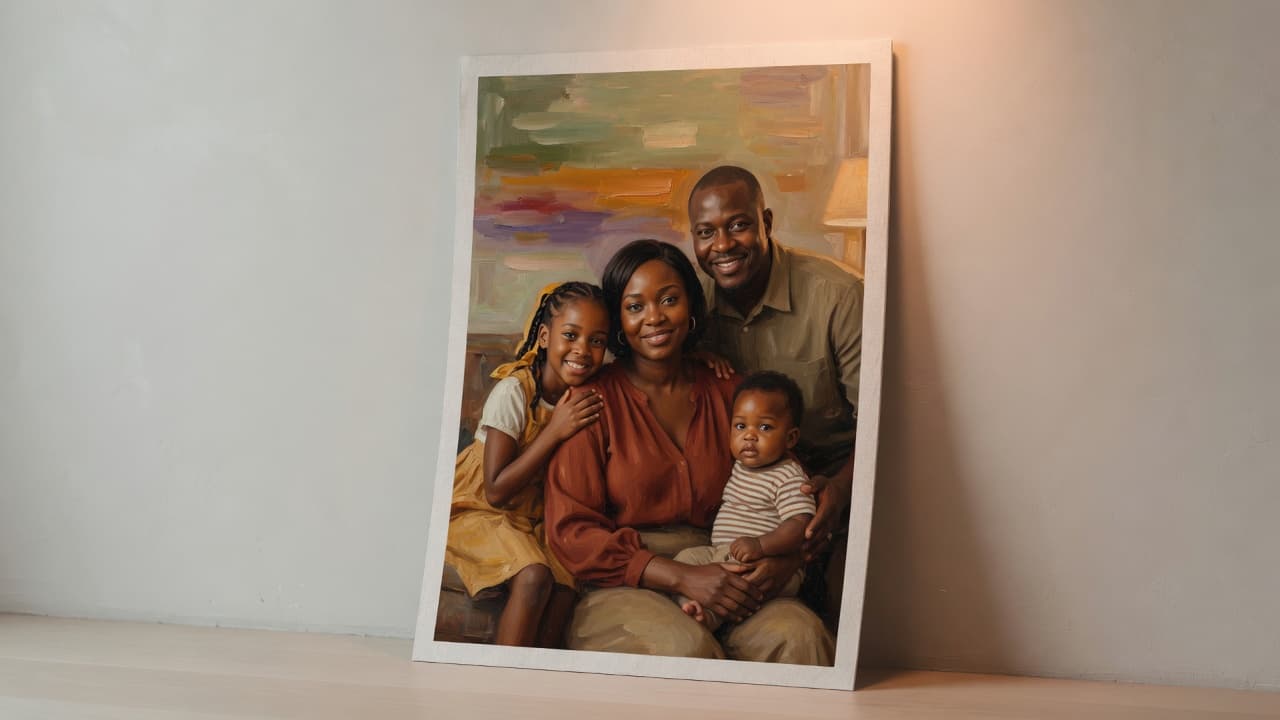
A poster is a composition problem. This guide is the merch-studio path, not a generic text-to-image tutorial.
1. Open the poster studio
Create → Custom Poster. You get a vertical paper mockup instead of a square crop.
2. Choose a photo that can survive a wall
One subject, decent light. Travel, portraits, and pets outperform cluttered interiors.
3. Generate a print-ready illustration
Credits charge the same as other Artomize generations. The prompt asks for a finished art-print, not a product shot of a poster in a room.
4. Pick a size and check out
12×16 or 18×24, then the standard poster order flow with shipping to your address.
FAQ
Will it look like a screenshot on paper?
Painterly and retro styles usually print better than ultra-digital looks. Preview first.